Caretag Help Center
Your resource for guides, tutorials, and troubleshooting

Your resource for guides, tutorials, and troubleshooting
Clear, visual instructions for key tasks. Helpful for quick use at the stations.
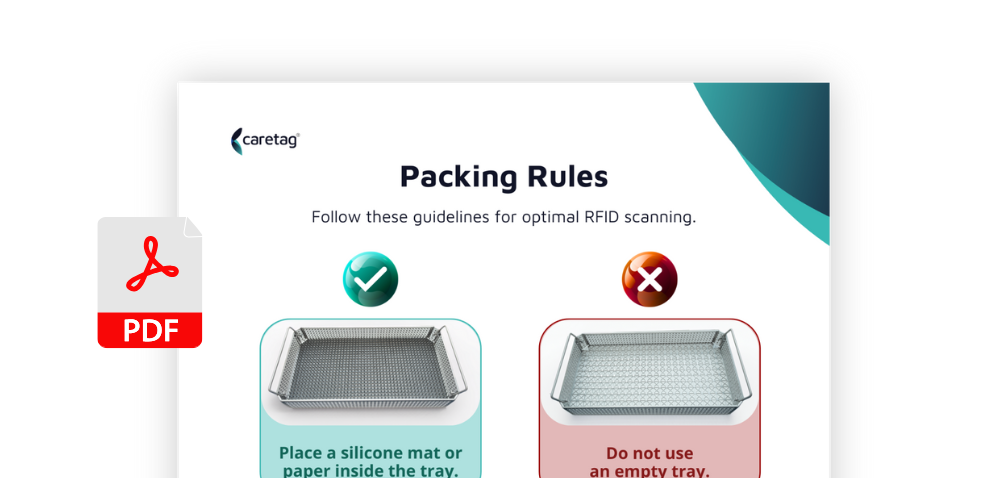
Follow these rules for a successful RFID scan.
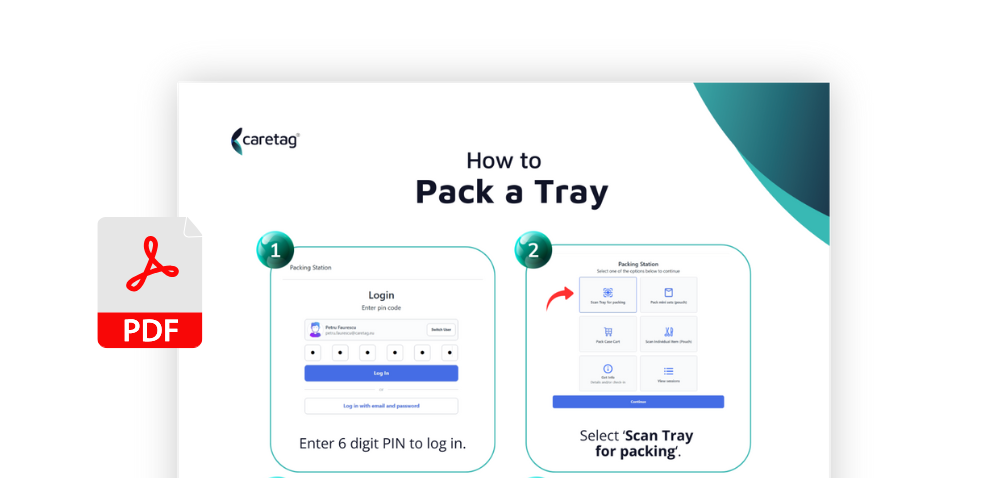
From login to final scan – pack a tray the right way.
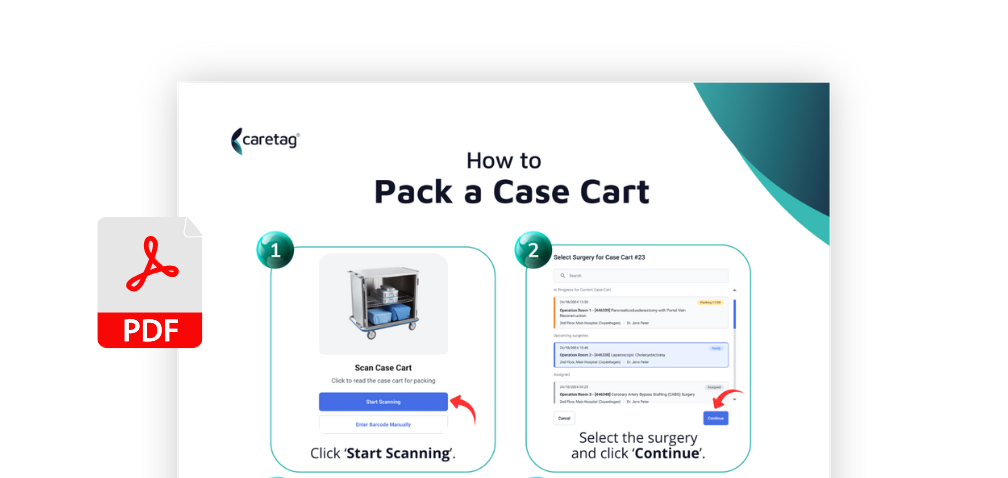
Prepare carts for surgery with all required items.
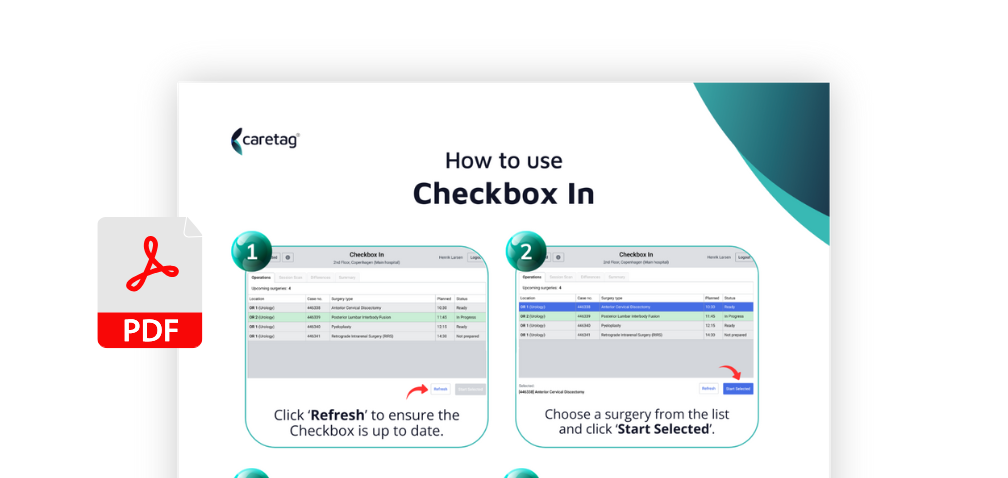
Confirm trays are ready.
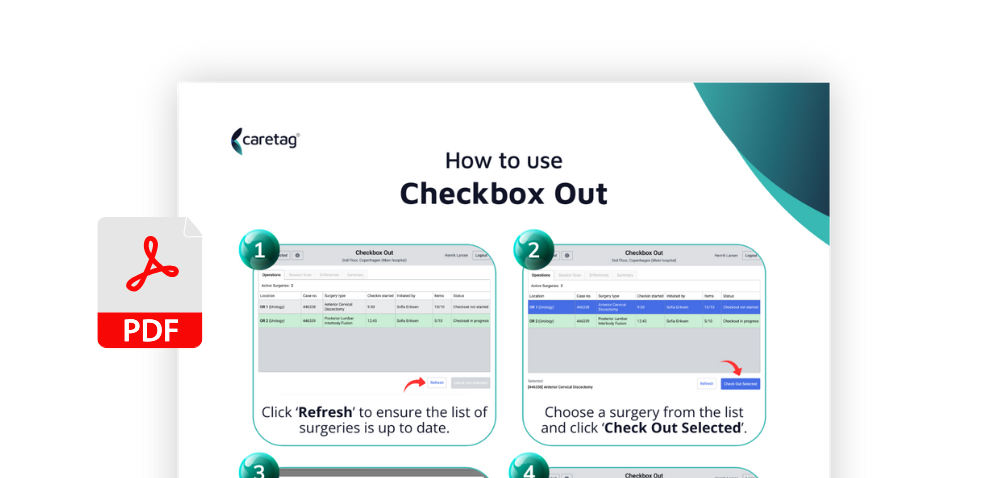
Ensure all instruments return after the procedure.
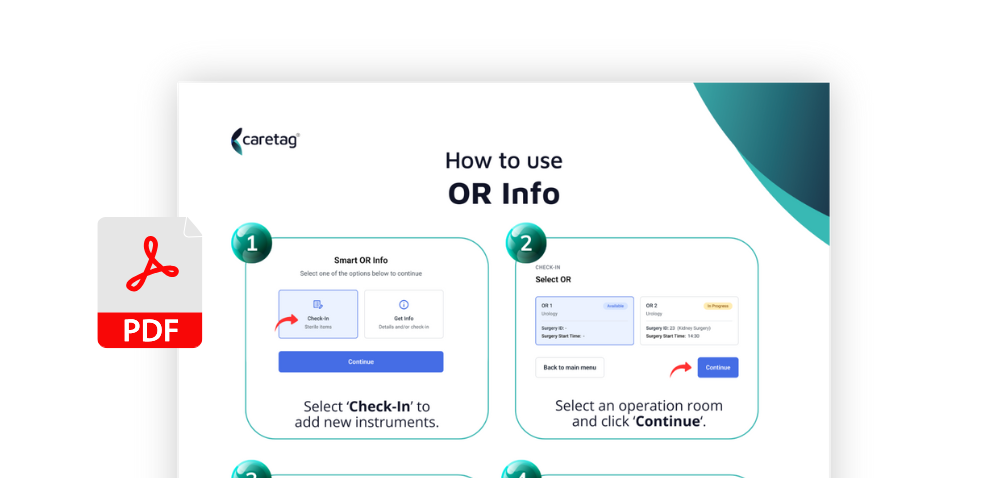
Check-in all instruments before starting the procedure.
All features and settings explained in detail. For users who need a complete reference across the platform.
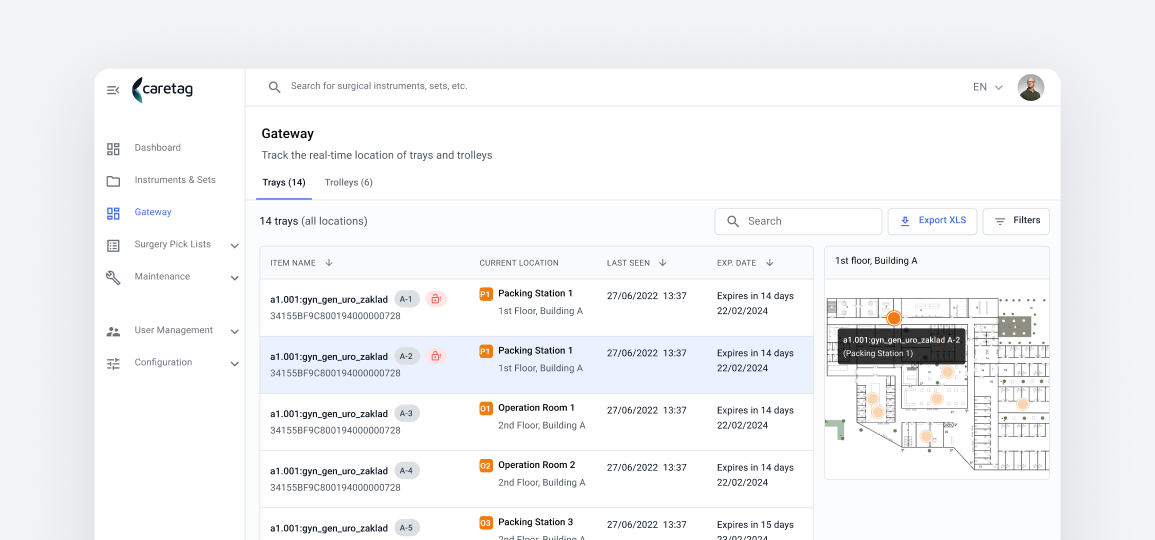
Navigate users, permissions, and activity in the web platform.
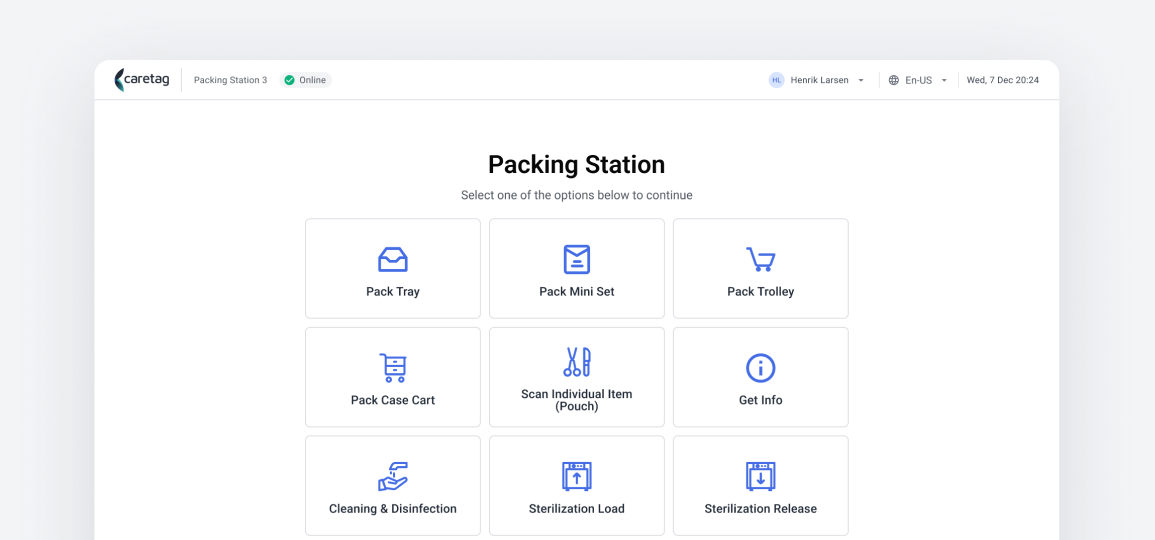
Prepare carts for surgery with all required items.
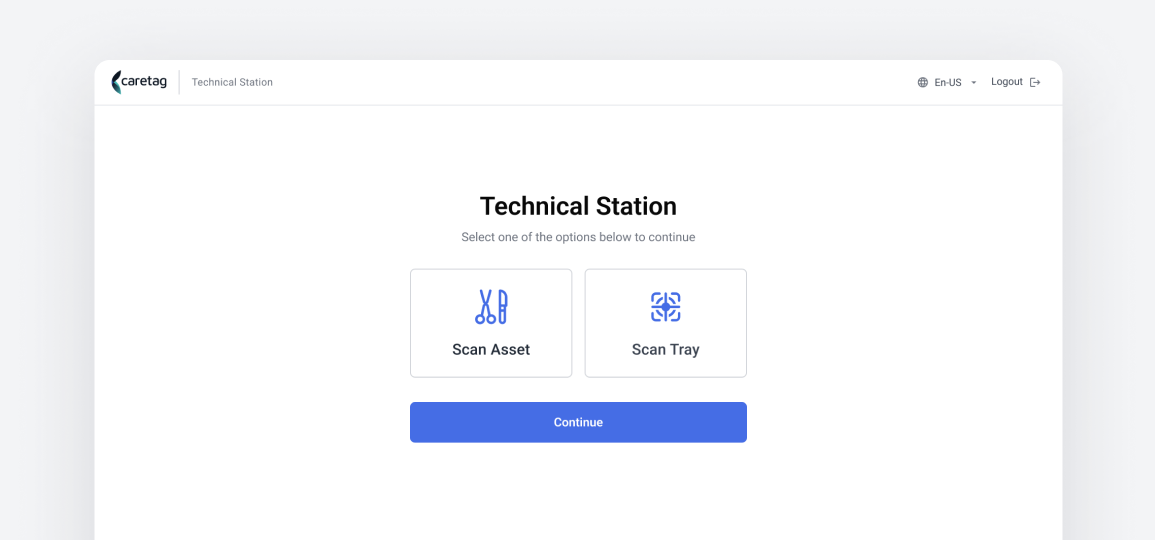
Scan and track individual instruments, trays, and assets.
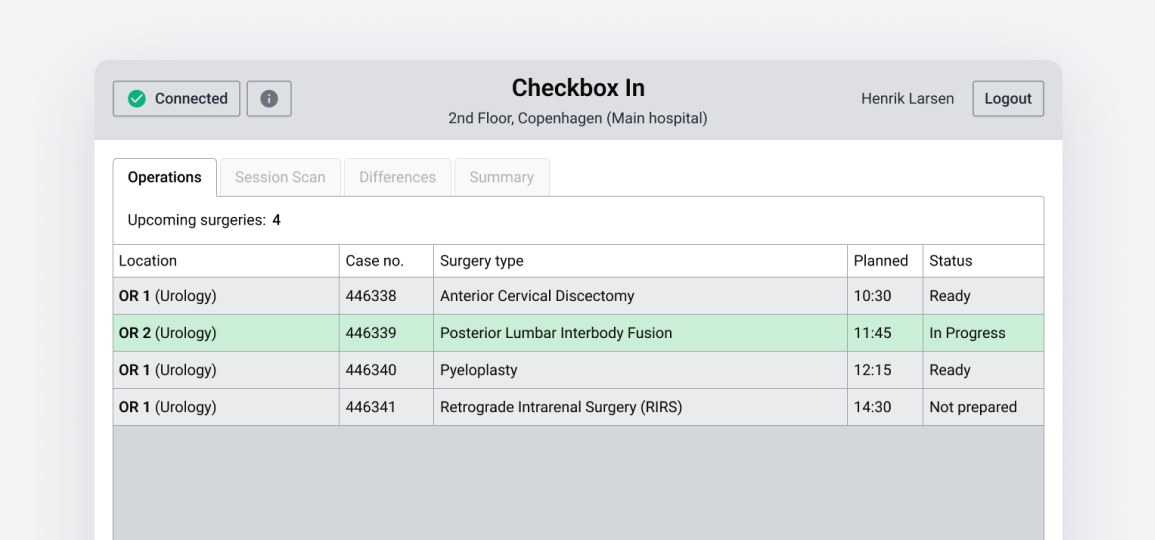
Get started with the Checkbox Station flows.
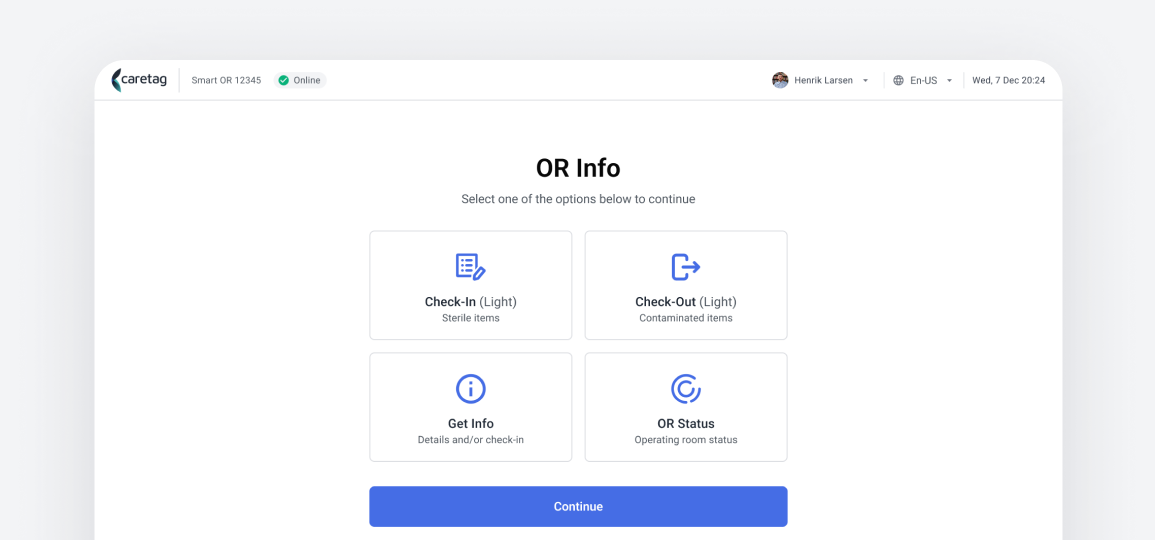
Register new instruments from the OR.
All features and settings explained in detail. For users who need a complete reference across the platform.

Set up and manage users, roles, and system controls.
View Documentation


Master every step in tray, cart, and item packing.
View Documentation

Comprehensive documentation for operating the Technical Station.
View Documentation

In-depth guide to verifying trays before and after surgery.
View Documentation

Complete instructions for adding instruments inside the OR.
View Documentation

Definitions of all key terms and asset types within the system.
View Documentation
Setup steps for hardware and desktop applications. Created for IT teams installing Caretag components in the system.
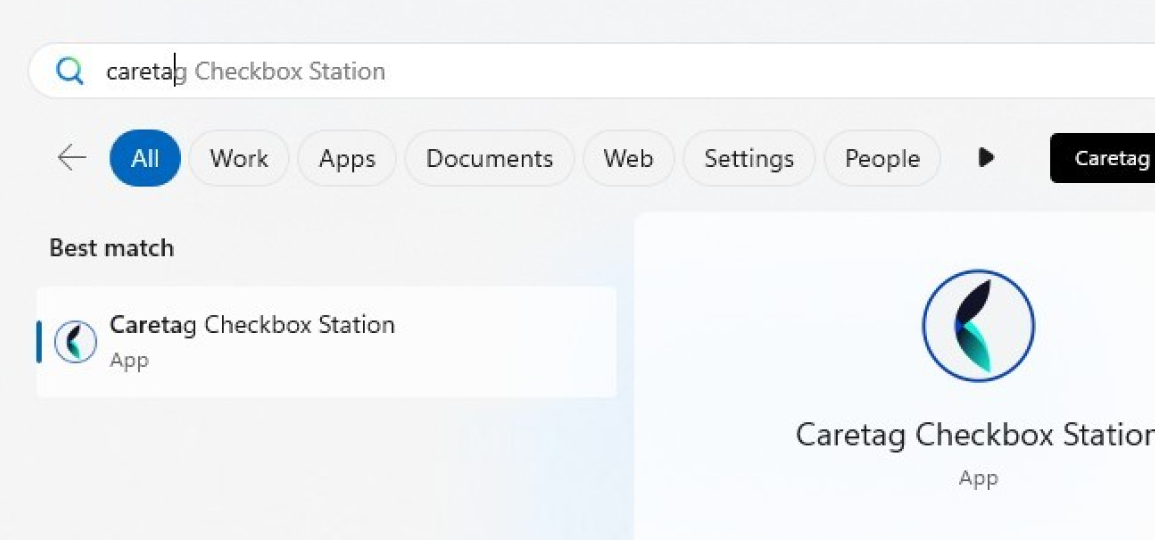
Step-by-step guide for setting up the Caretag Desktop applications.
Learn how to set up and configure Zebra RFID handheld scanners.
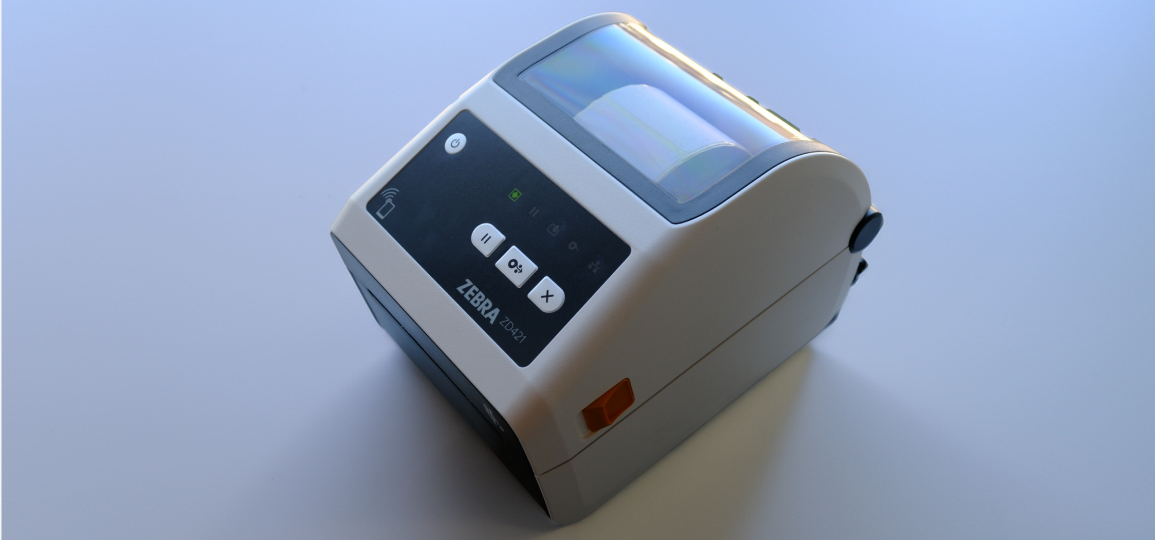
Step-by-step guide for installing and configuring Zebra label printers.
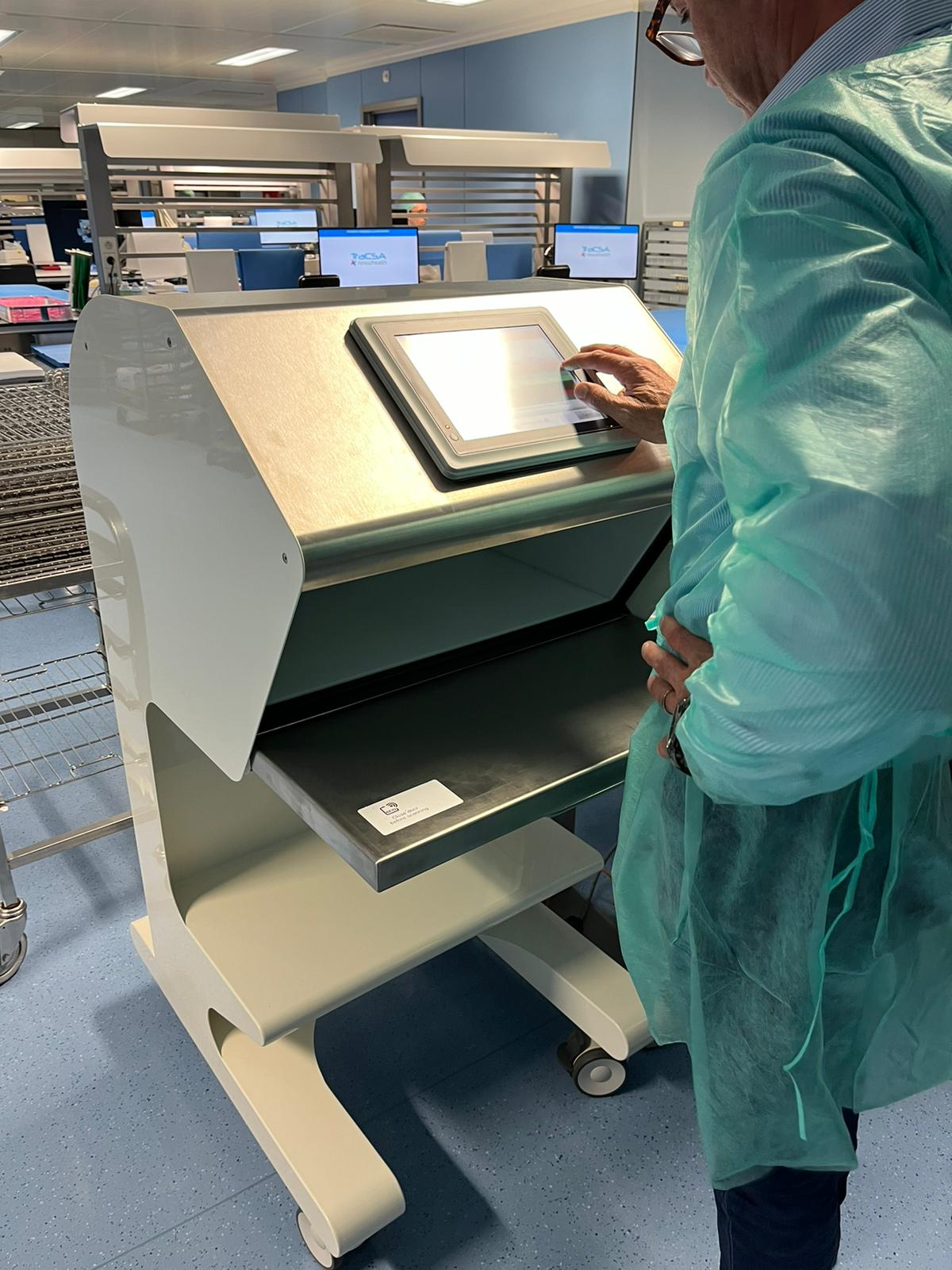
Step-by-step guide for installing and configuring the Checkbox.