Checkbox Station (Verification) - Getting Started
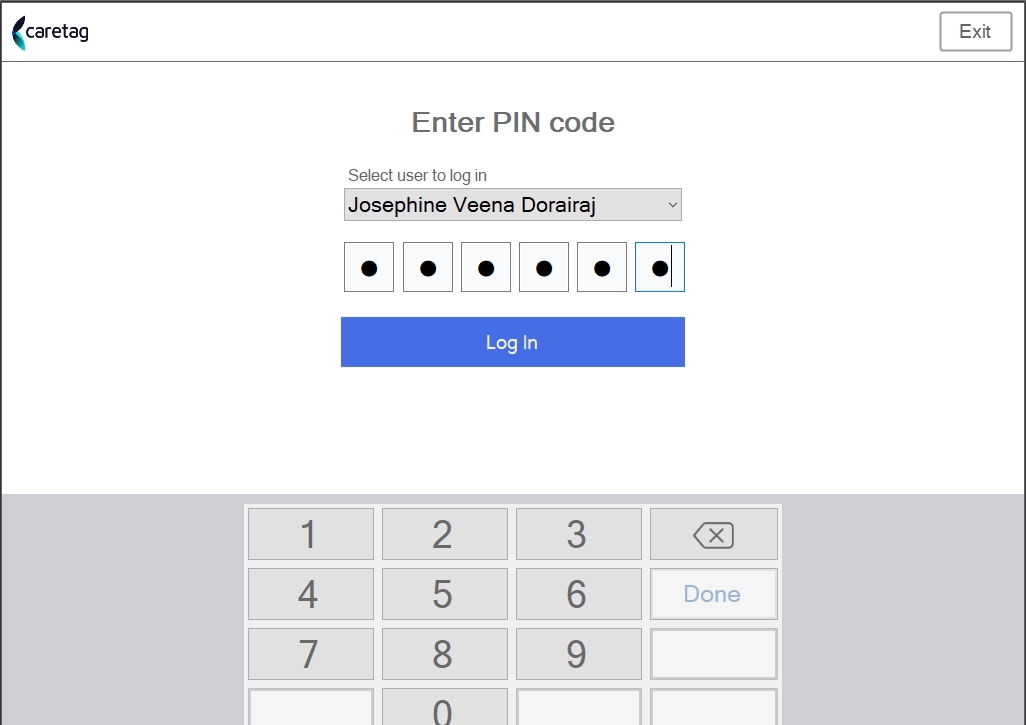
- Login with your credentials
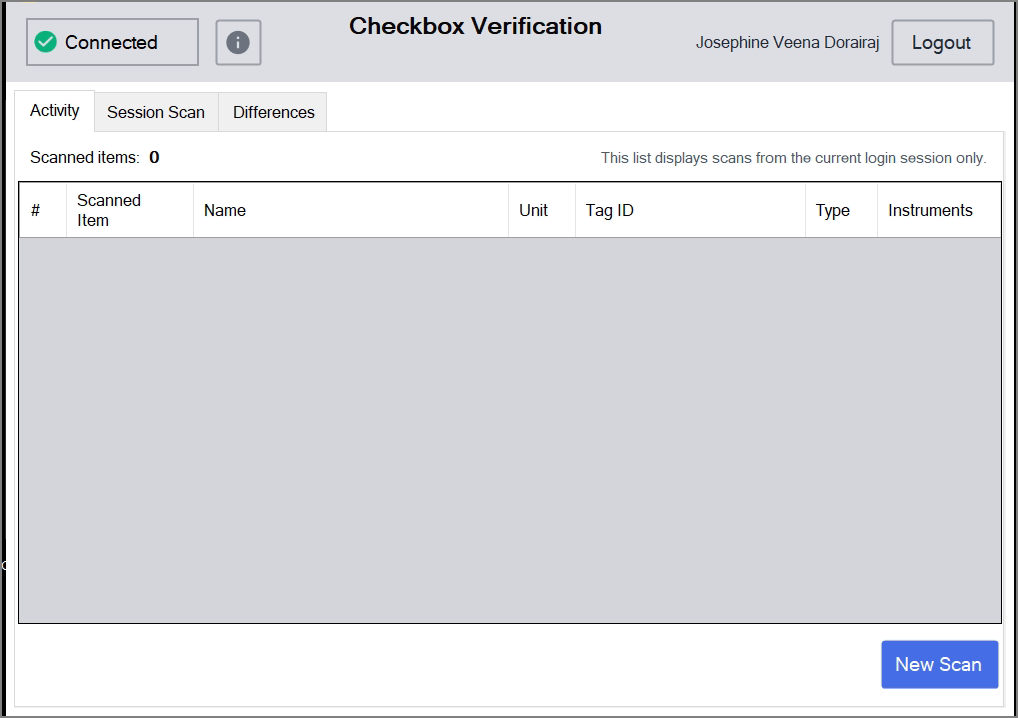
- The home screen has 3 tabs: Activity, Session Scan and Difference tabs.
Note
Only one set should be placed inside the checkbox machine at a time for verification. Do not place multiple sets together (e.g., a container/tray along with a pouch), as this is not allowed.
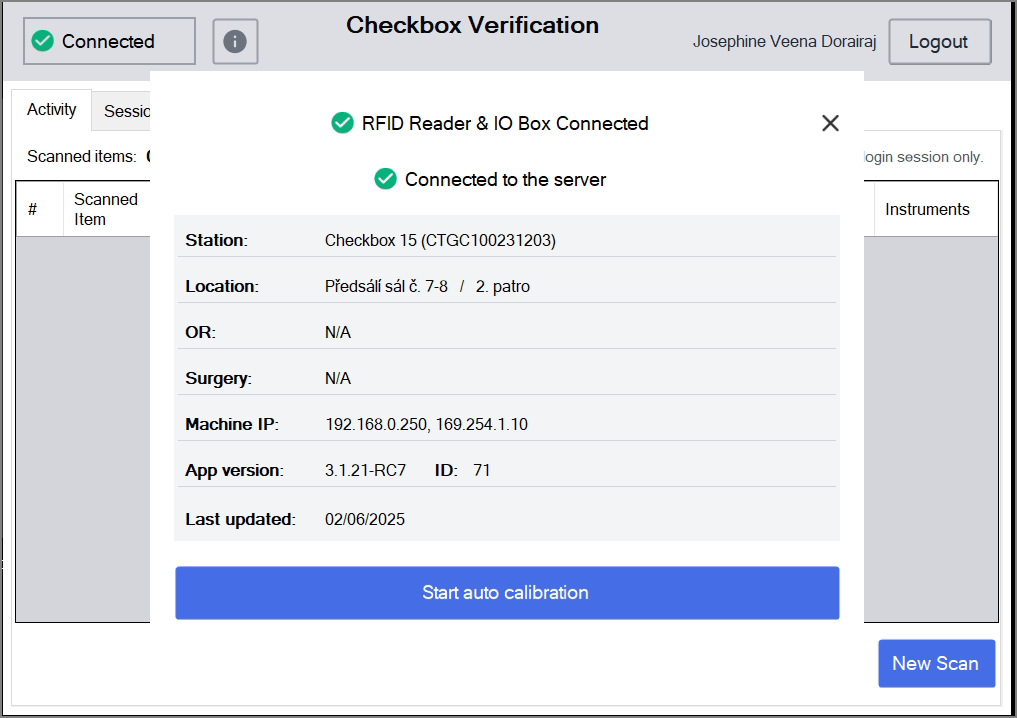
- Click the “Connected” button in the top-left corner to view details such as the checkbox machine, version, location, OR, and more.
- The packed tray/container/pouch is placed inside the checkbox and close the door.
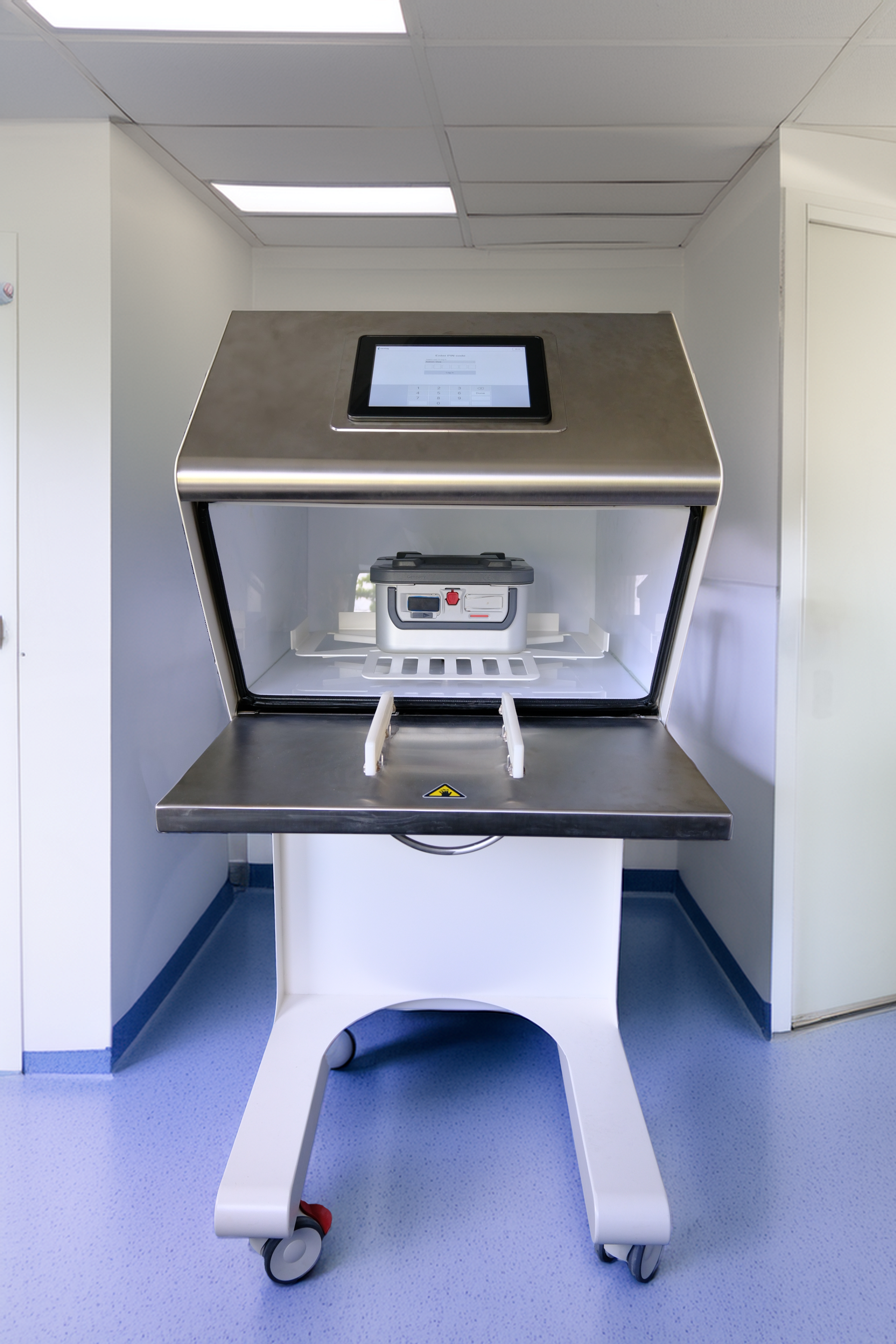
- Click the New Scan button
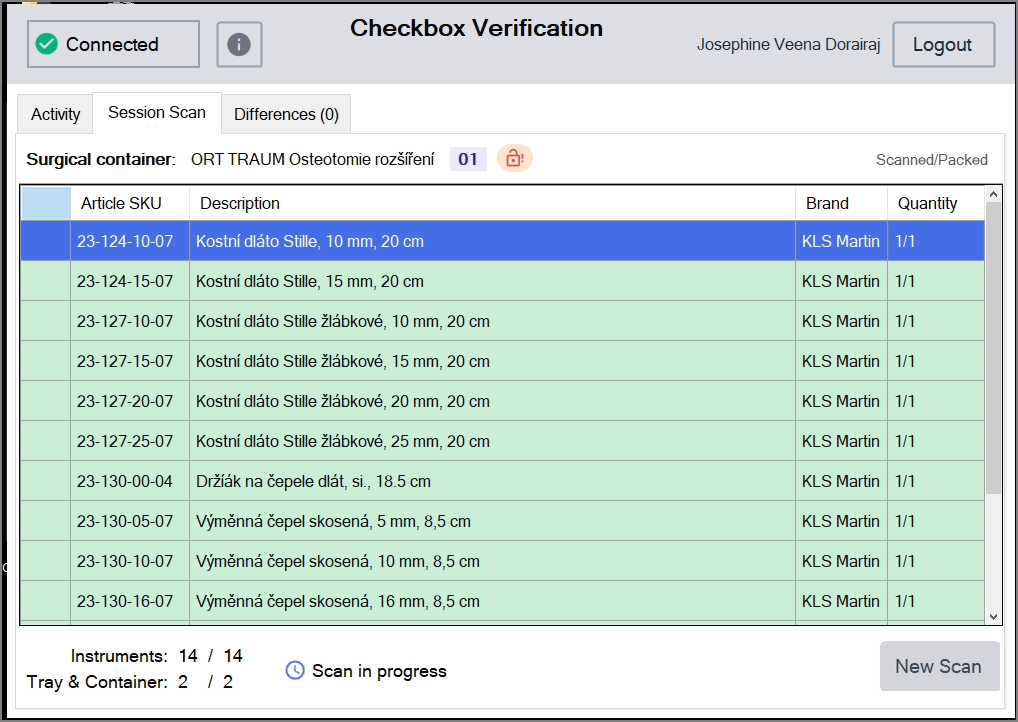
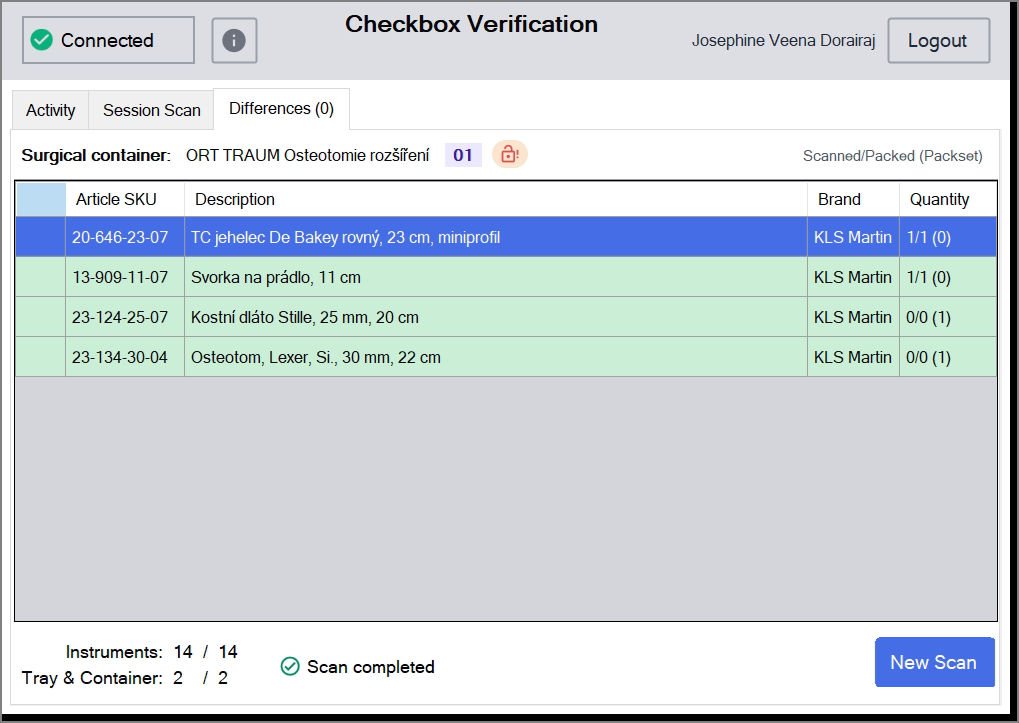
- Once the scan is completed, the scanned items details are displayed in the session scan and any missing or extra items are displayed in the difference tab.
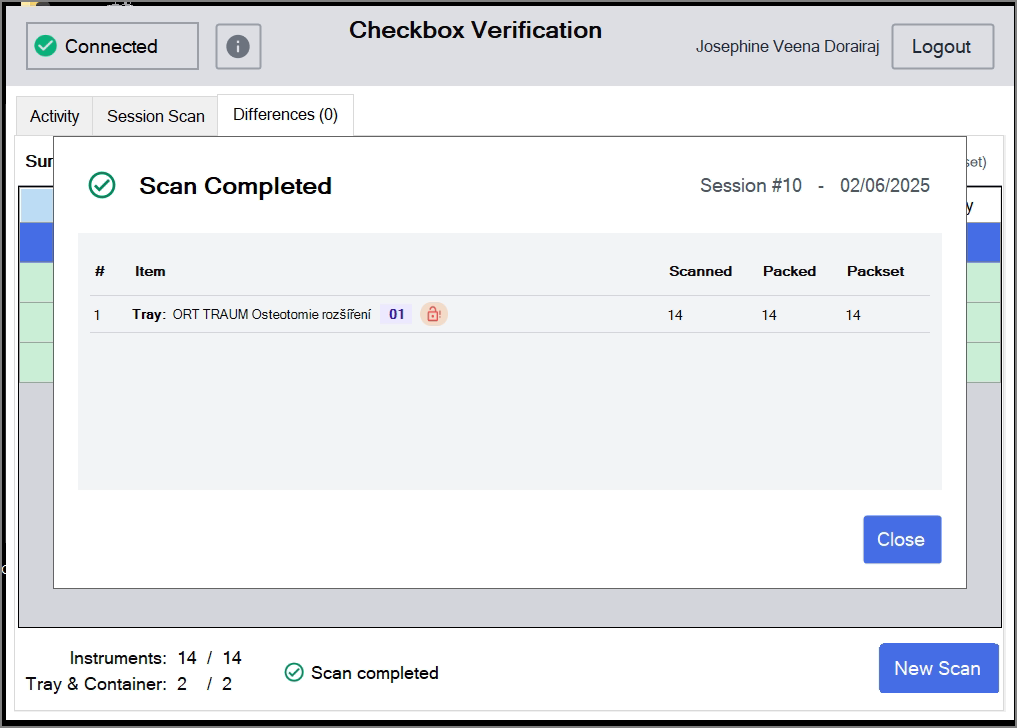
- Once the scan is completed, a ‘Scan Completed’ window appears. It displays the packset name, the number of items scanned and packed, and the total packset count.
- The session number and date are shown in the top-right corner.
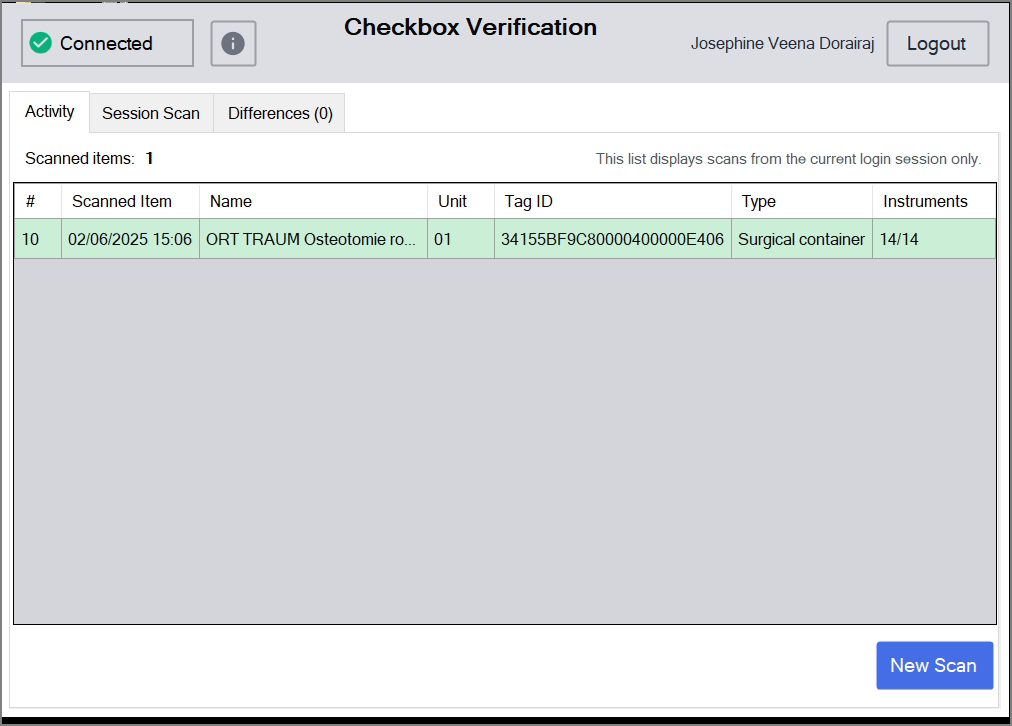
- In the acitivy tab it dispalys the current session details of the scanned items, name of the tray, unit, tag ID , type and instrument count.