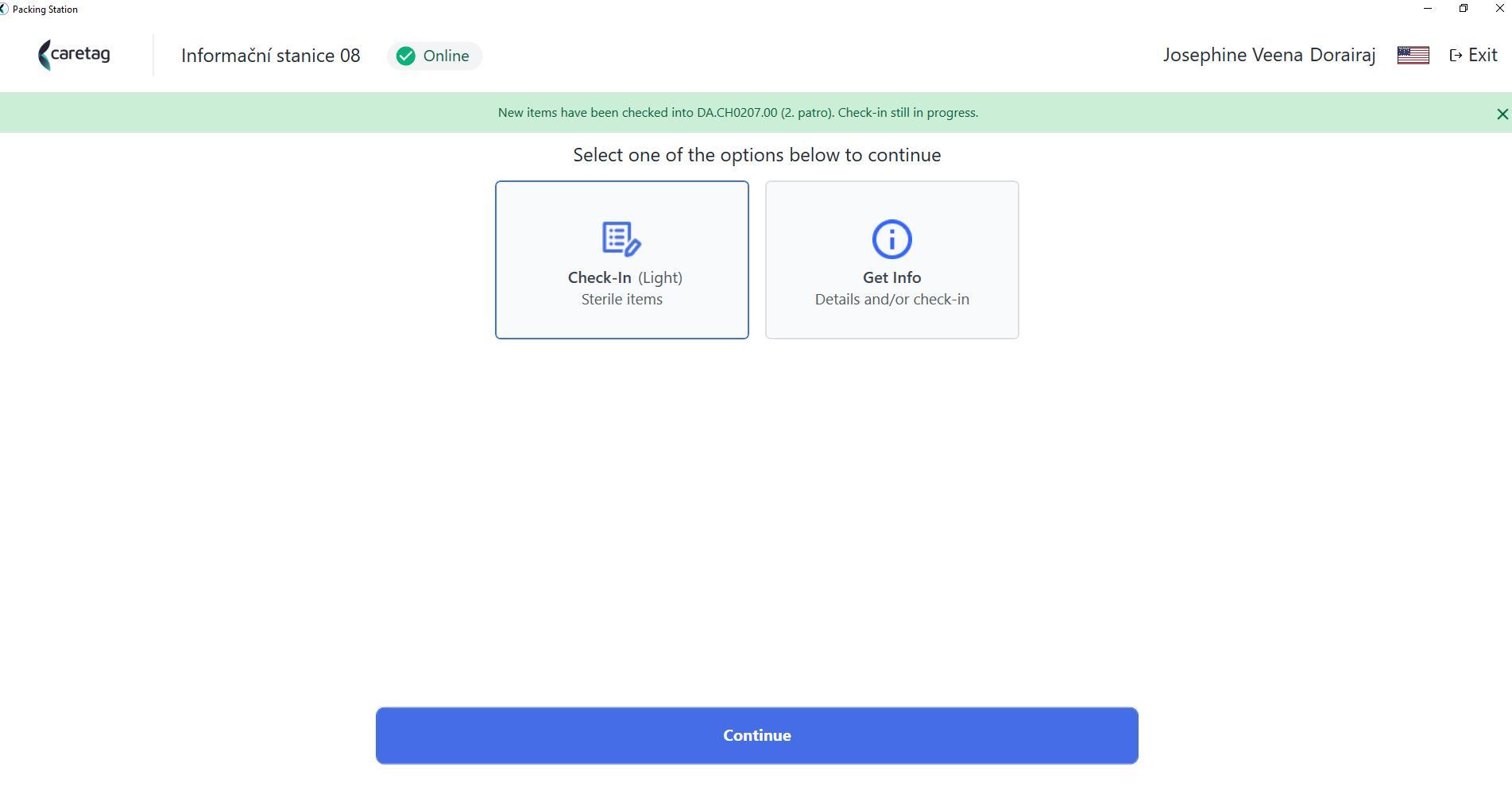
Smart OR Info - Getting Started
Launch the application and login either using the pin code or email and password.
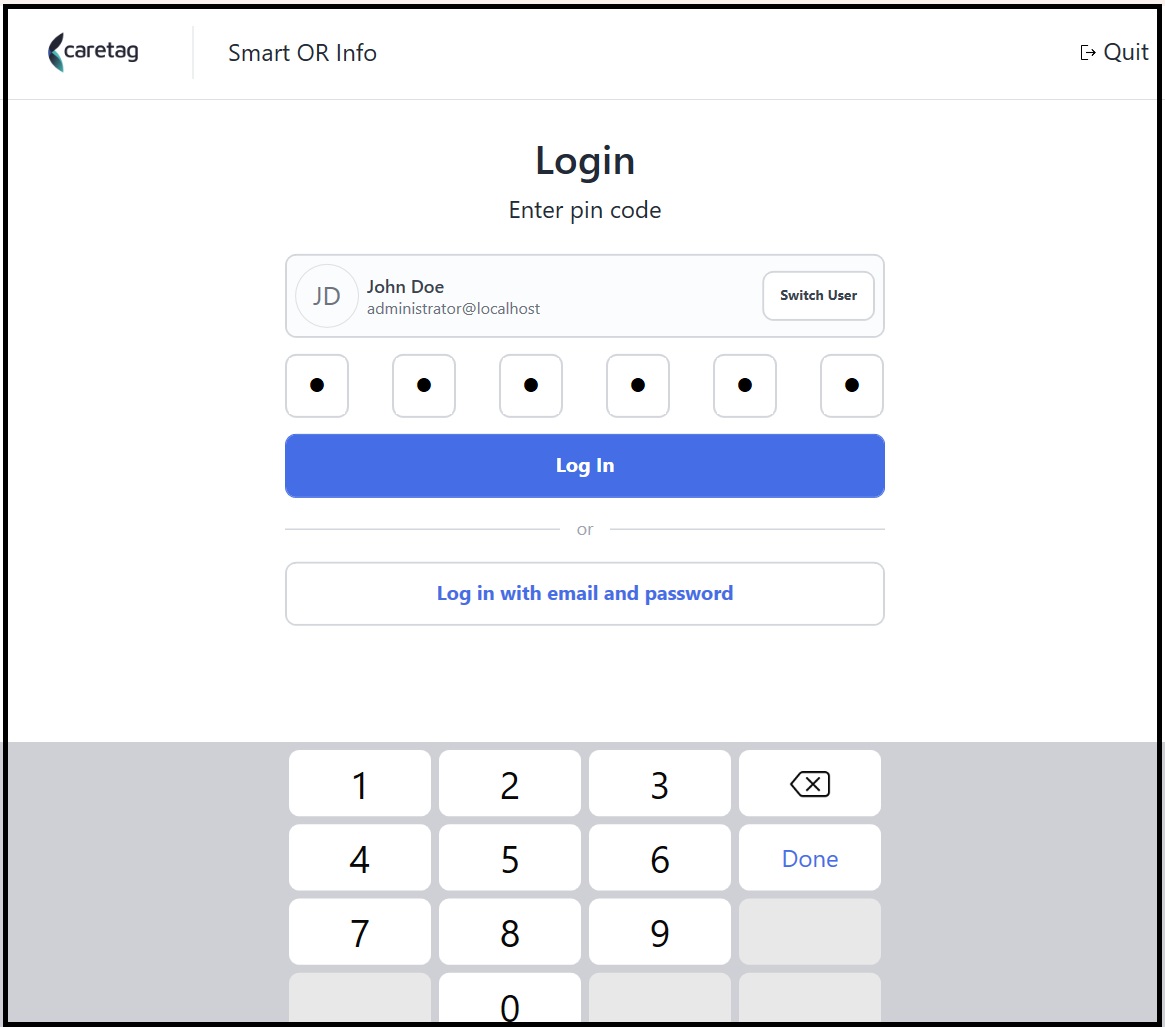
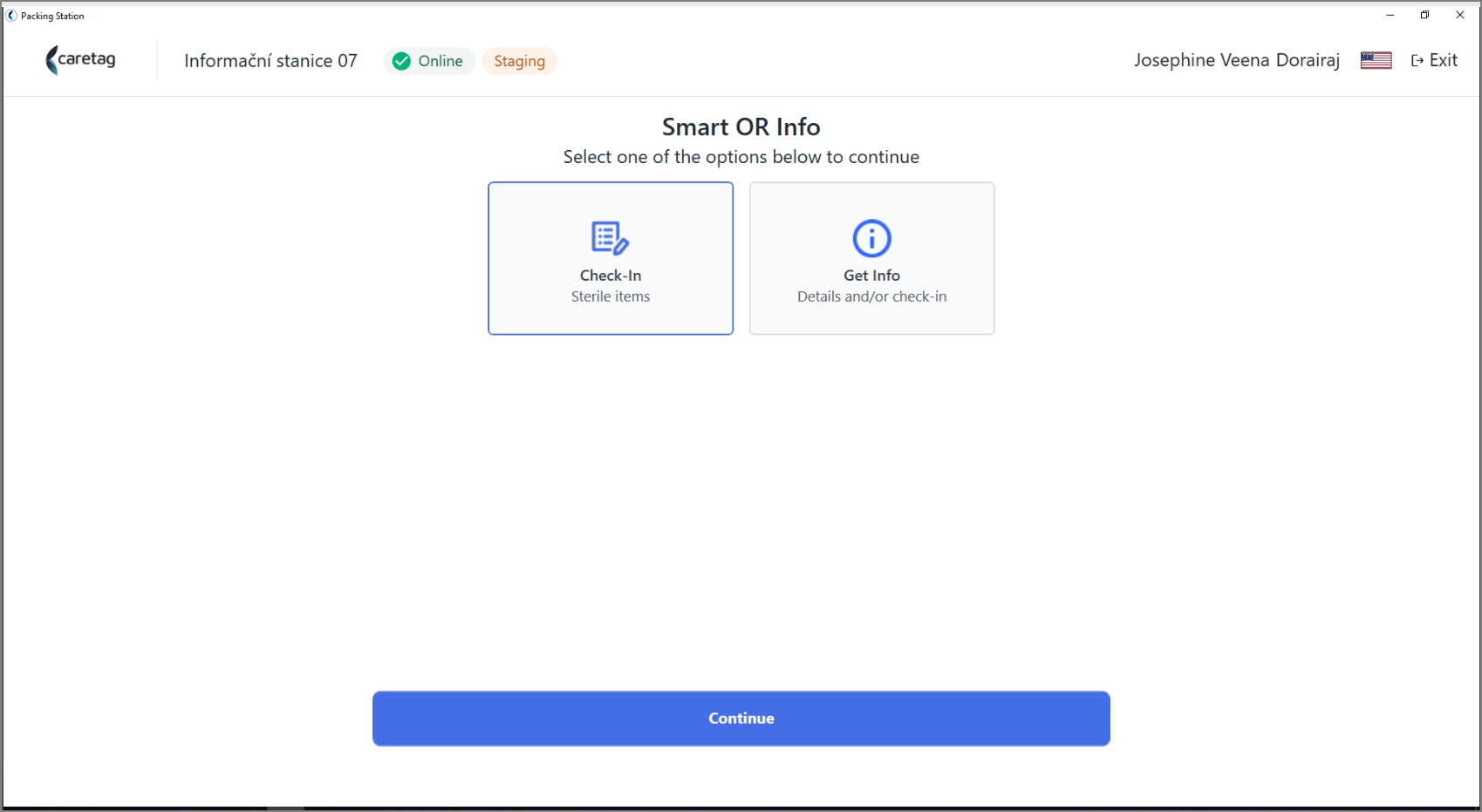
Check-In
Select Check-In and press continue.
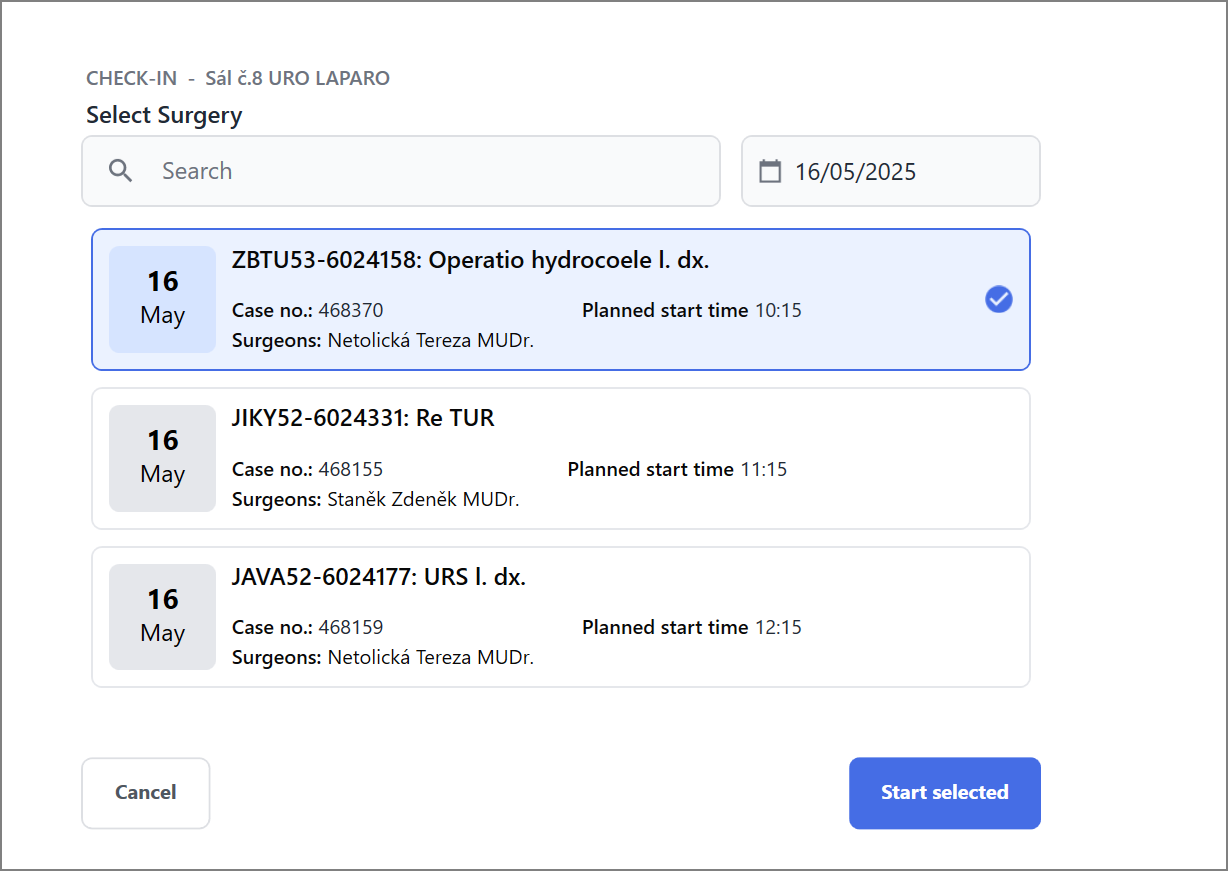
Select the Surgery from the list and click start selected.
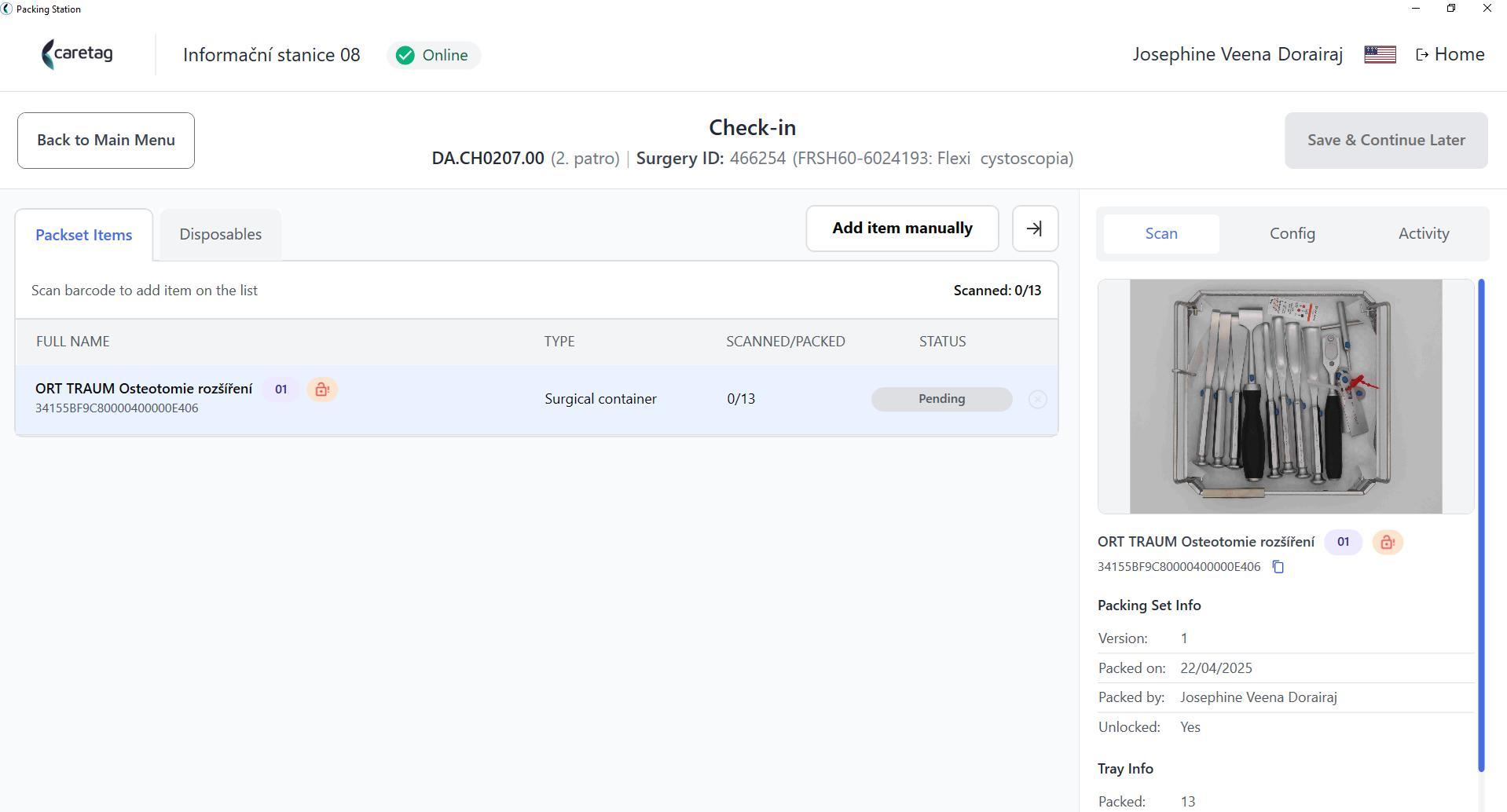
Scan the containers or trays tags and these will be appended to the list. Add disposables by clicking on Add item manually. You can see displayed all details of the scanned items in the right side of the page under Scan, Config or Activity tabs.
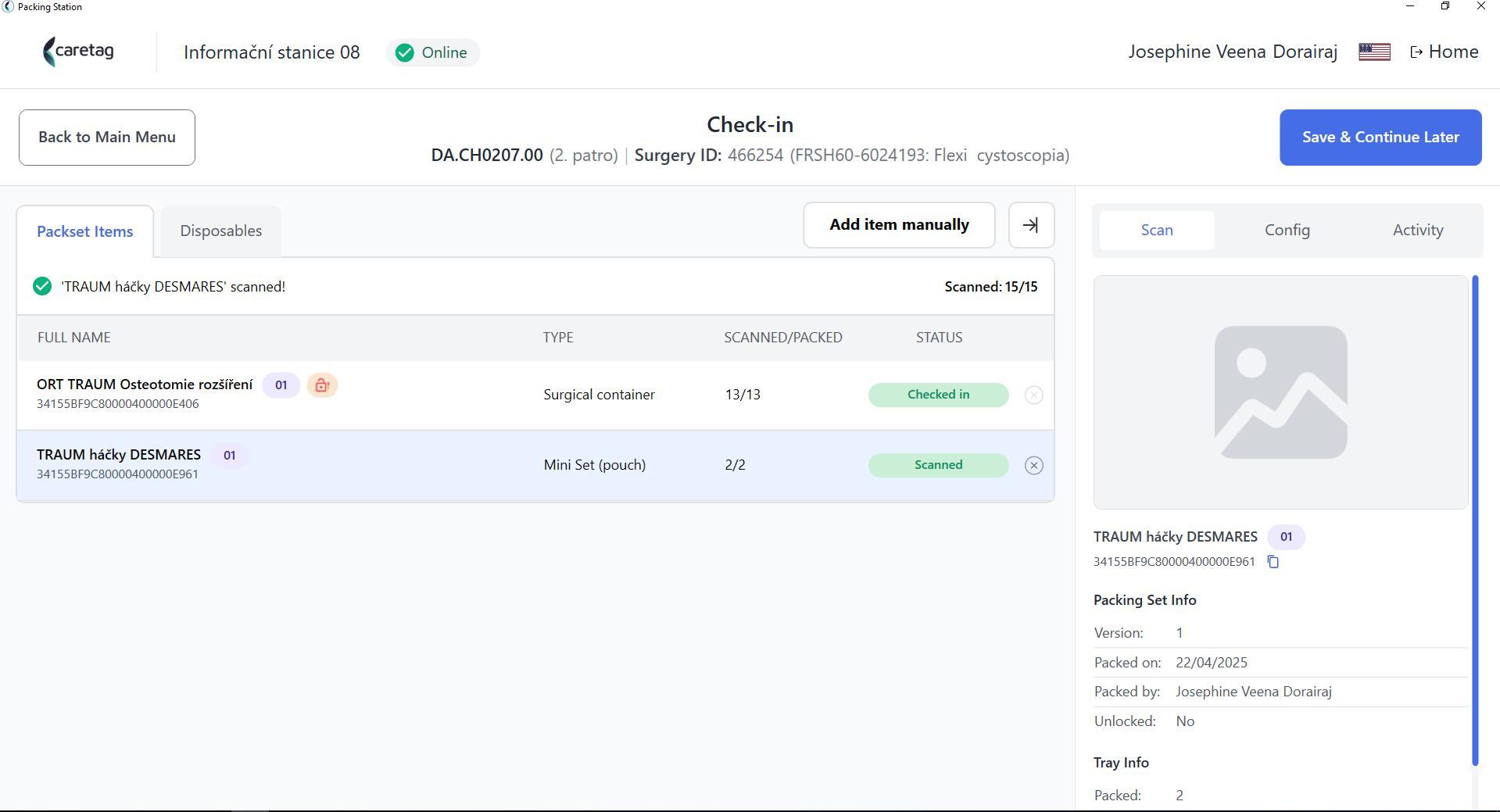
Click on Save & Continue Later button.
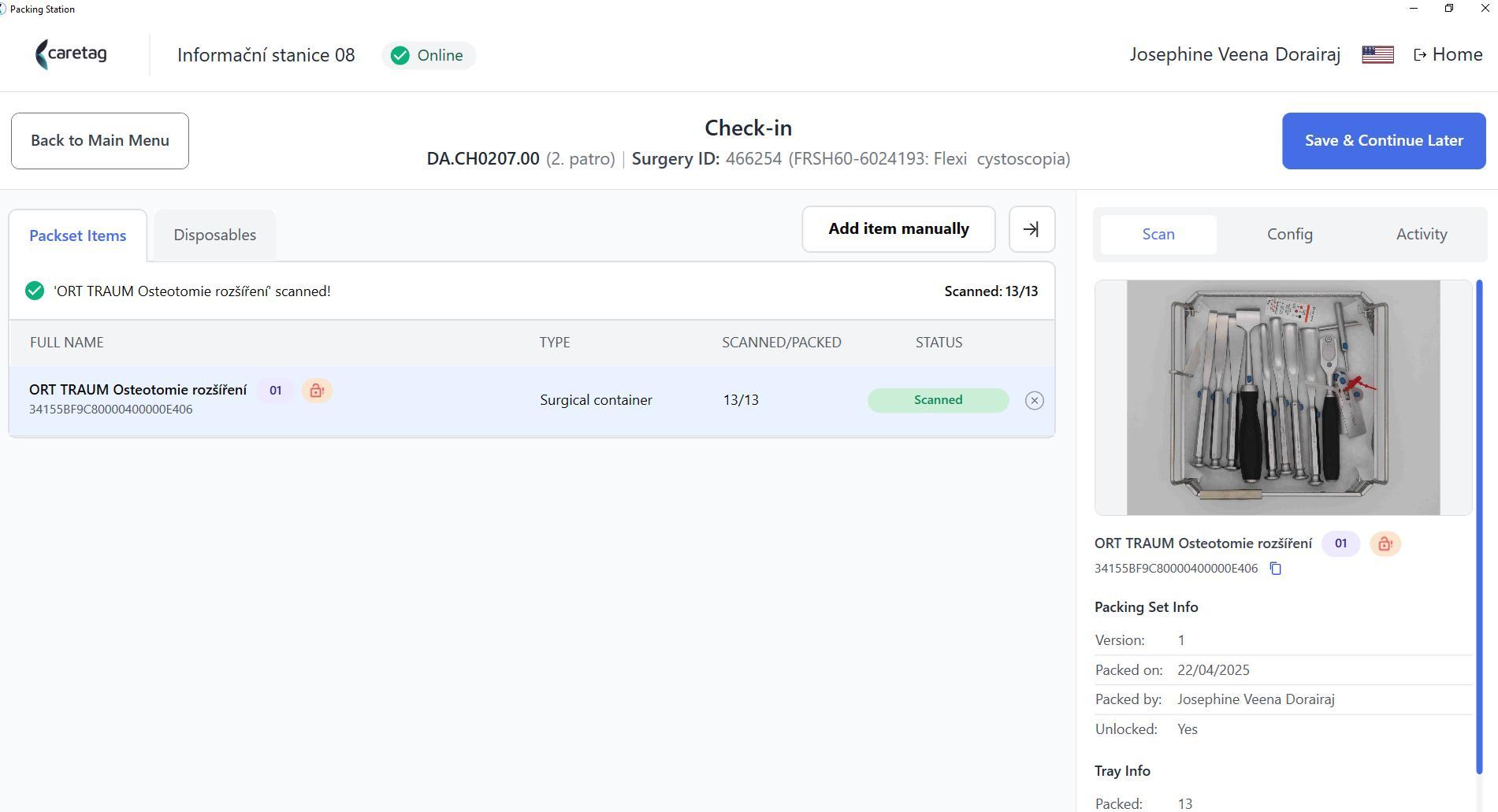
Once you clicked on the button, the Check-In process is completed. A notification message will highlighted in green color.